
How to Hard Reset China Tablet by Utility Software using PC or Laptop

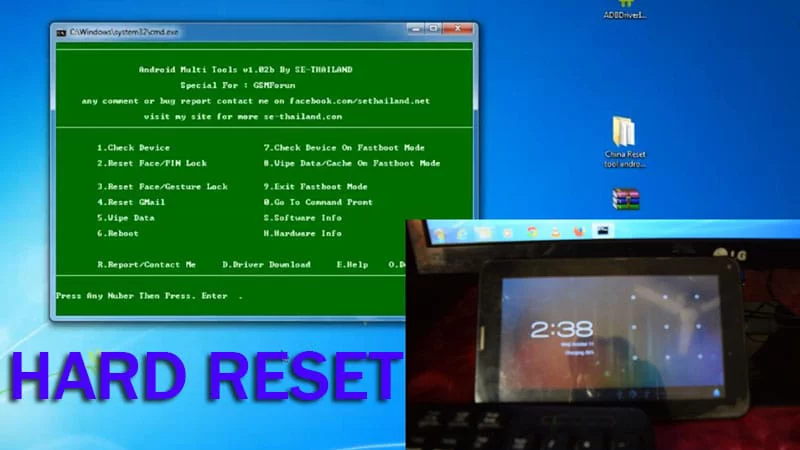
How to Hard Reset China Tablet by Software
Hi Friends, today I am going to show you how to Hard reset China Tablet using a Utility Software, its called Android Multi-tool. Generally the hard reset method does not work by pressing the shortcut buttons on the Chinese tablet, you need to perform the hard rest process through PC or a Laptop.
Don’t worry i have a trick for this, i am using Dapic tablet for this tutorial hope this will work for other tabs like domo, G Tab, atouch, epad tablets too. Lets get started step by step, first you have to download Driver for your tab and Android multi Tool to start Hard Reset Process. Find the links below:
- Download Link for the Driver: ADB Driver Installer
- Link for the utility Software: Android Multi Tool
Software Ready, Now proceed to the next steps from below and in the end of this post a video tutorial also attached.
How to Perform a Hard Reset Using Software
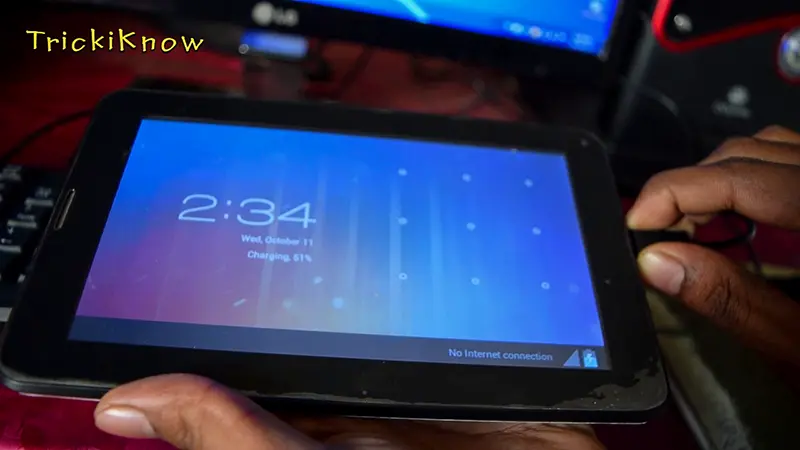
Step 1 : First connect your china tablet in to your PC , Via data cable.
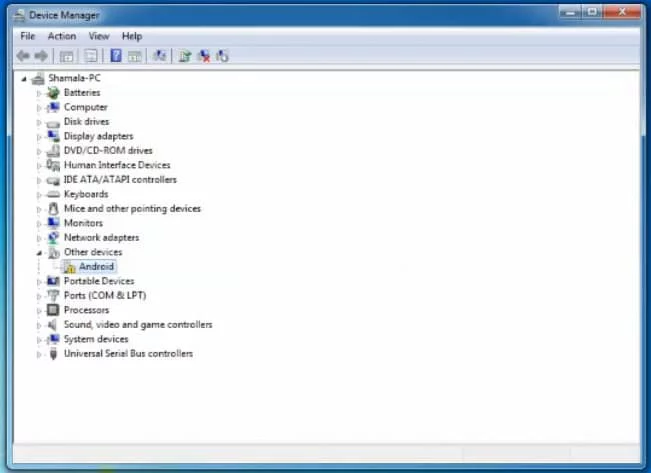
Step 2 : If your tablet driver not installed automatically (How to check)
Step 3 : Right click on My Computer > Go to Properties > Device Manager
Step 4 : Download the ADB Driver Installer, open it and click on Install. (It will detect your tab and install the Driver.)
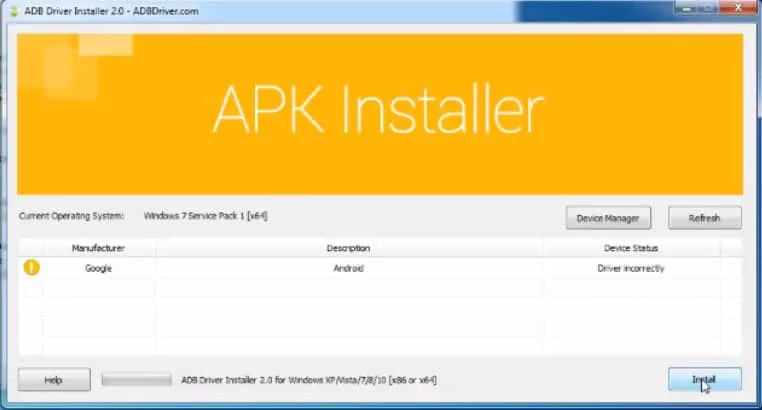
Step 5 : Your Tab Driver installed successfully, Now download Android Multi Tool and open.
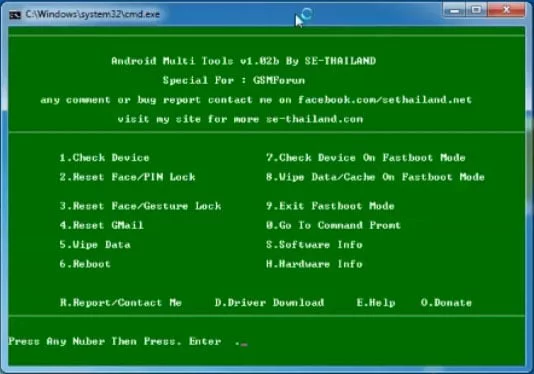
Step 6 : Select the first option to detect your tab by multi tool (It will look like this)
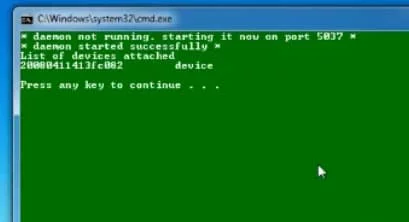
Step 7 : Now Select the fifth option “Wipe Data” to reset your tablet.
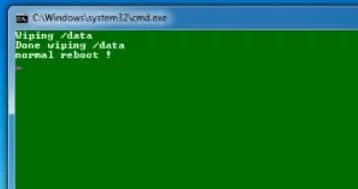
Step 8 : Congratulations !! After this your tab will restart automatic and now its UNLOCKED.
How to Hard Reset China Tablet (Video Tutorial)
Supported Tablets : Dapic Tab, Domo Tab, Jxd, Hanxin, Wopad, Etc. Thanks for reading our article , for any quires left a comment below we reply all comments 🙂

Can you help with an EcoPad?
your link to china reset tool says it is a virus
But how to coonnect adb driver because in pc the other portable device is show only G file no android name so how to do this
thank u lad the procedure helped me alot
You are welcome 🙂