
Enter Lenovo G50-80 Bios Setup & Boot Menu (Install Windows)

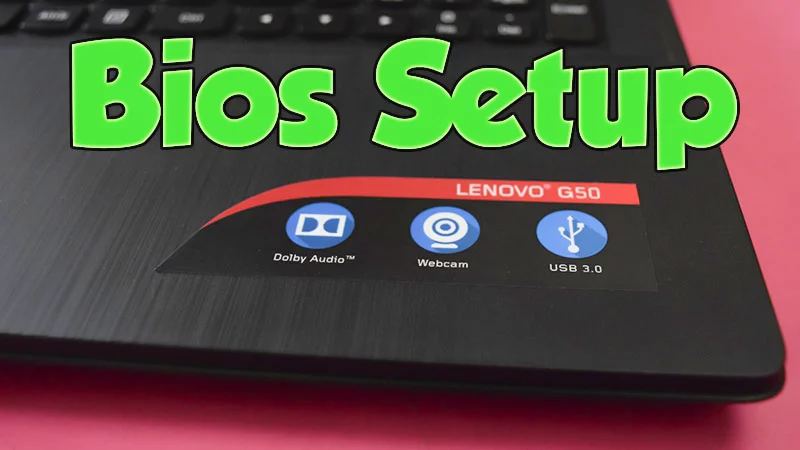
How to Enter Lenovo G50-80 Bios Setup (Install Windows)
Hi everyone, in the Lenovo G50 series Laptop there is not any option to enter Lenovo G50-80 Bios Setup or Boot Menu using the delete key or any function key. You may worried about how to open Bios or Boot menu in your laptop. Don’t worry, Today i am going to show you how to enter Lenovo G50-80 Bios Setup and how to install Windows and other operating systems using a bootable USB Drive.
The trick is here, If you see in the Left corner of this laptop there is a Secret button which is called Novo Button that is the booting key for this laptop. Now, if you just want to enter bios you can go from there to change some bios settings and also you can enter the boot menu.
But, if you want to install fresh new operating system on your laptop, then the first step you have to do that, Get a Windows Bootable USB Drive. Plug it in your Laptop in any USB drive, now press the Novo Button using a pen or any thinnest tool when your laptop i